Photography · 28 Sept 2026 · 2 min read
Why photographers are moving off external drives
A drawer of external drives feels safe until one of them stops spinning. Here is what a NAS changes for a growing photo library.
Most photographers start the same way: shoot, copy the card to an external drive, buy another drive when that one fills up. A few years in, the archive is spread across a drawer of drives with names like "Clients 2023 B", and nobody is quite sure which one holds the only copy of a wedding.
The problem with a drawer of drives
An external drive is a single point of failure. If it is dropped, dies of old age or gets corrupted, whatever lived only on that drive is gone. There is no second copy unless you made one, no history if you overwrite a file, and finding an old shoot means plugging in drives one by one.
RAW files make this worse over time. Modern high-resolution cameras produce files that are tens of megabytes each, so a single busy season can fill several terabytes.
What a NAS changes
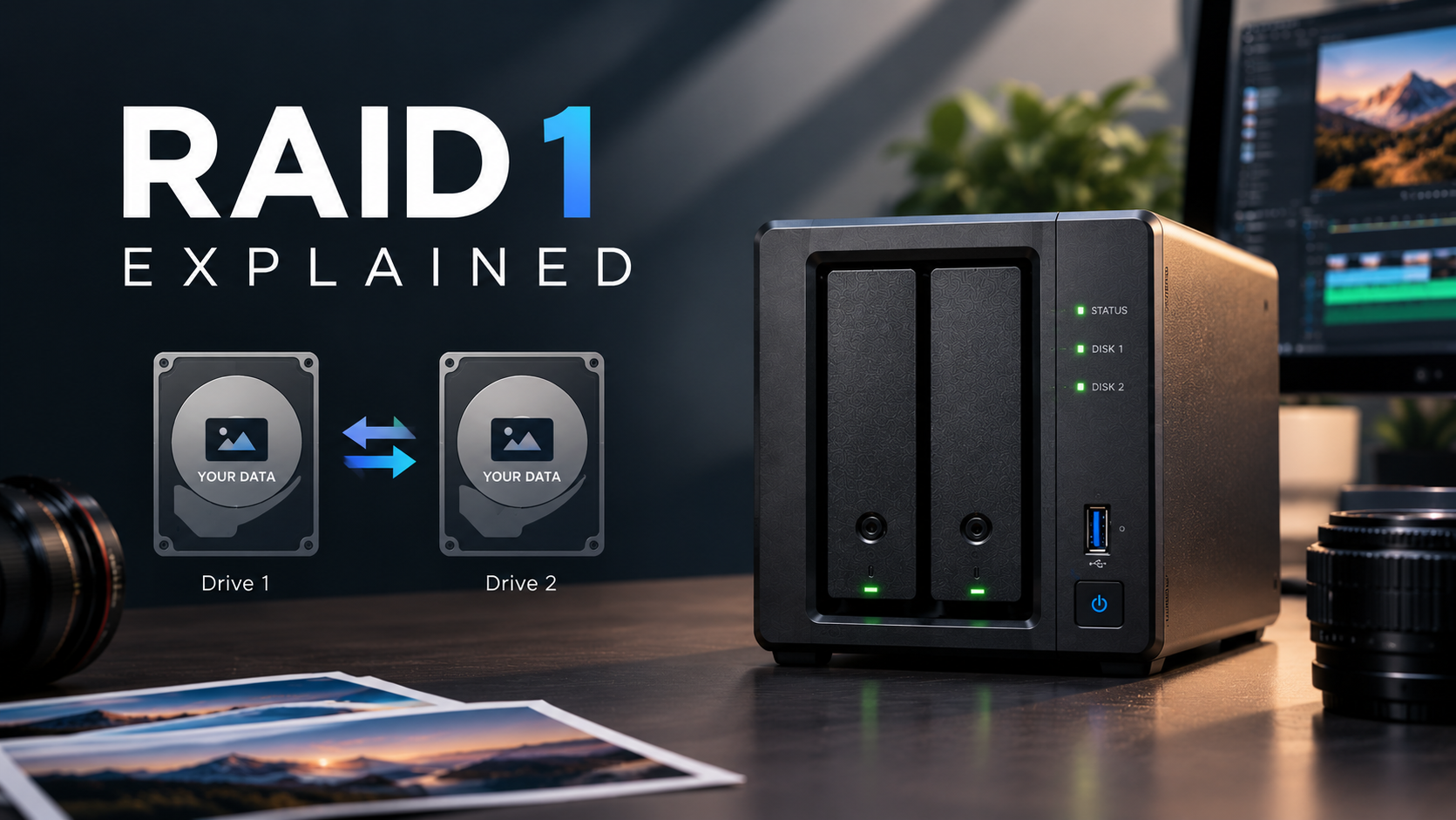
A NAS keeps the whole library in one place, on several drives working together. With RAID, one drive can fail and your photos are still there; you replace the drive and the NAS rebuilds. Snapshots keep earlier versions of folders, so an accidental delete or overwrite can be rolled back.
Because the NAS sits on your network, every computer in the studio sees the same library, and you can reach it remotely to pull up a gallery for a client.
A setup that works
Keep your editing catalogue on your computer's fast internal drive (Lightroom Classic, for example, cannot keep its catalogue on a network drive) and keep the photos themselves on the NAS. Then follow the 3-2-1 rule: three copies of your work, on two different kinds of storage, with one copy off-site, such as a second NAS or a cloud backup.
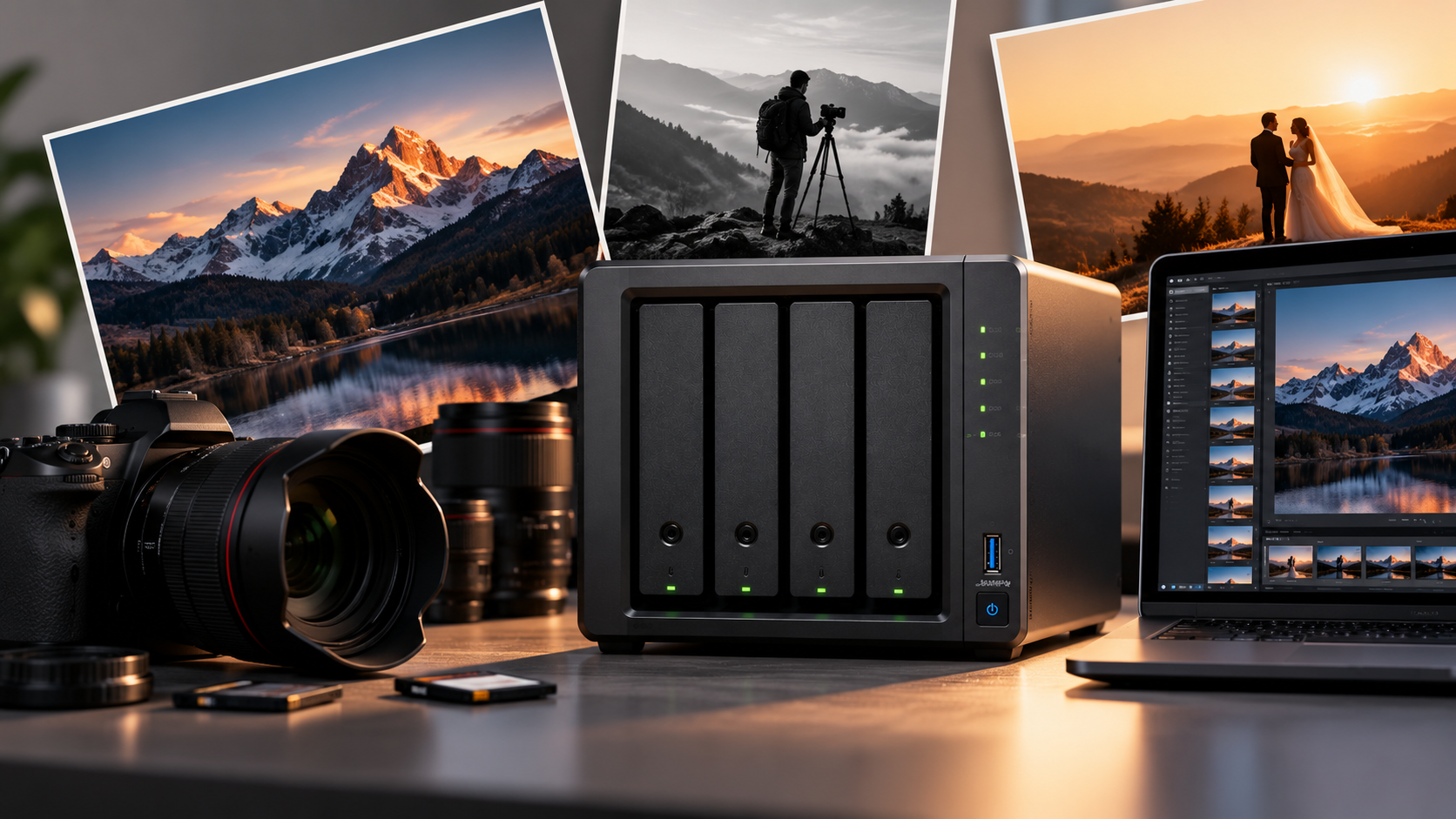
A 4-bay NAS with RAID 5 is a common starting point for a working photographer: room to grow, and protection against a single drive failing.