Buying guide · 5 Oct 2026 · 3 min read
Capacity and RAID: How Much NAS Storage Do I Need?
Capacity and RAID explained: learn how much NAS storage you need, how RAID affects usable capacity and data protection, and how to choose the right NAS setup.
Getting a NAS for the first time can feel a bit overwhelming.
2TB? 4TB? 8TB? 20TB?
Then you come across words like RAID 1 RAID 5 and RAID 6. Things become even more confusing.
Don't worry. Lets keep it straightforward.
Start by thinking about your storage needs.
What will you actually store?
For example:
Documents and work files
Photos and videos
4K or 8K videos
Computer backups
CCTV videos
Movies and media
If you already have 2TB of data getting 2TB of NAS storage is not a good idea.
Your data will grow over time.
A better way is to consider how storage you will need in the next 3 to 5 years not just right now.
How many bays do you need?
A NAS can have 1, 2 4 or even more drive bays.
Think of a bay as a place to put a drive.
2-bay NAS
A 2-bay NAS is a choice for home users.
It works well for:
Photos and videos
Personal files
Computer backups
Small home offices
4-bay NAS
A 4-bay NAS gives you space to expand.
It is helpful for:
photo collections
Video creators
Multiple users
Small businesses
Bigger backups
More bays also mean more options when using RAID.
So what is RAID?
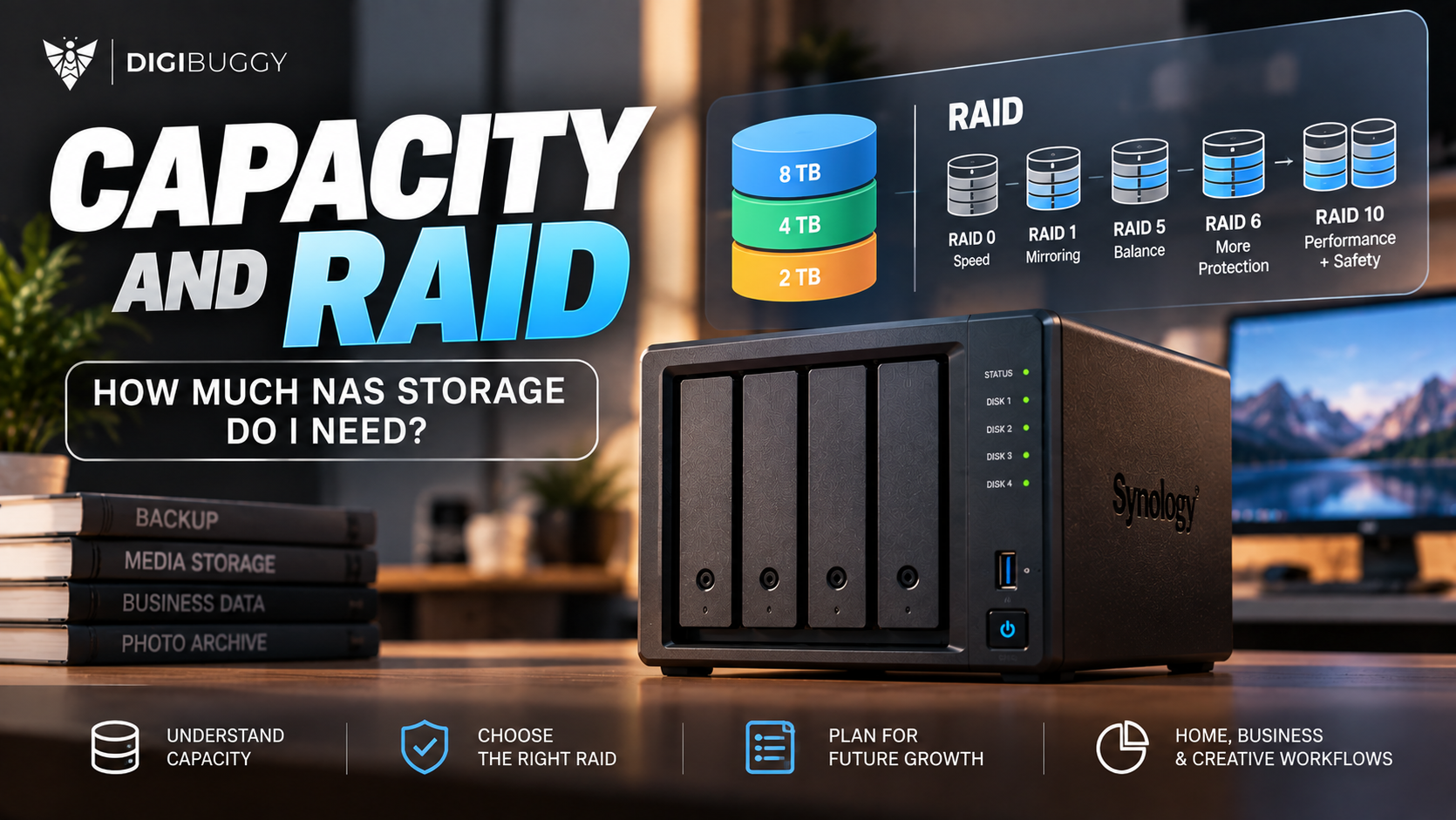
RAID is a way to combine drives to improve data safety, speed or how much space you can use depending on the RAID type.
The key point to remember is:
RAID is not a backup.
For example, RAID can help your NAS keep working if one drive breaks. It won't stop you from accidentally deleting a file or losing everything.
RAID 1 vs RAID 5
RAID 1
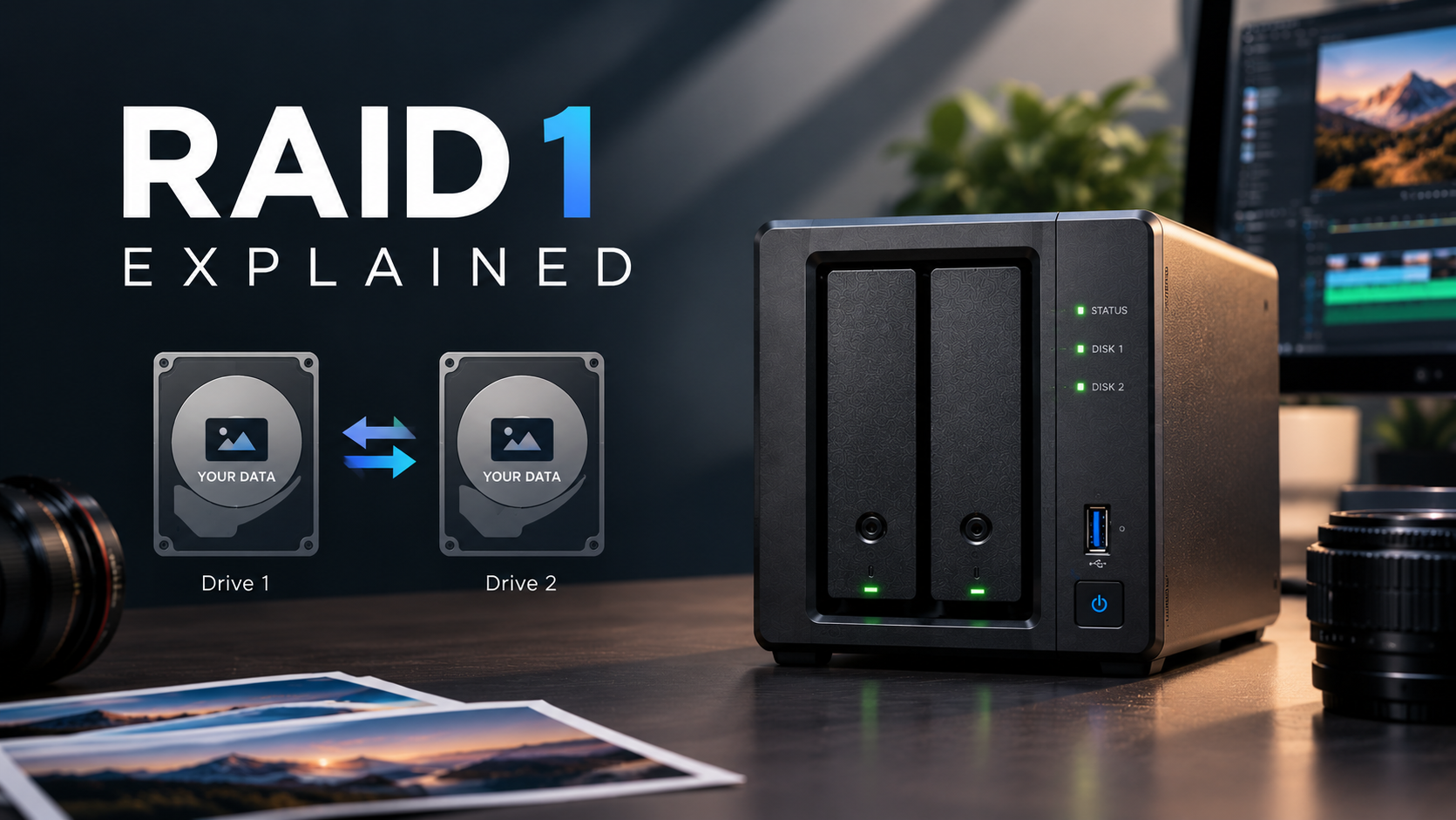
RAID 1 copies your data onto two drives.
If one drive fails, the other still has a copy.
The downside?
You end up with about the space of one drive, not both.
For example:
2 × 8TB drives → about 8TB
RAID 5
RAID 5 uses at least three drives and offers a good mix of storage space and protection if one drive fails.
For example:
4 × 8TB drives → about 24TB before file system space is taken into account
It is a common choice for people who need more space and some protection.
Does RAID make your data safe?
Not completely.
RAID helps with some types of issues.
It does not help with:
Deleting files by accident
Ransomware attacks
Fire or water damage
Theft
Big hardware problems
files
That is why important data should have an extra copy.
A simple rule to remember:
RAID keeps your NAS running. Backup helps protect your data.
How much NAS storage do you need?
There is no one size that fits all.
A way to think about it:
Current data plus future growth plus backup needs equals your NAS size
If you are just keeping documents and phone pictures a 2-bay NAS may be enough.
If you are a photographer, a video person, a creator or a business with a lot of data a 4-bay or bigger NAS may be better.
The aim is not to get the NAS possible.
It is to get a NAS that has space today room to grow tomorrow and the right amount of safety, for your data.
Still not sure?
Don't start with RAID numbers.
Start with one question:
How much data do you have now and how fast is it growing?
Once you know that picking the NAS becomes much easier.